PHOTOGRAPHY & VIDEO CLASSES
Become the photographer you've always wanted. Today's greats will show you how.
Our most in-demand photography classes
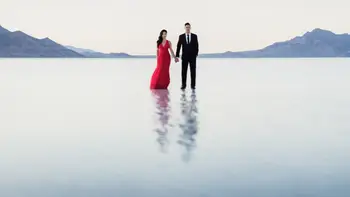
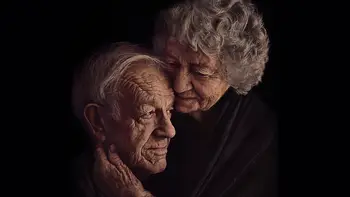
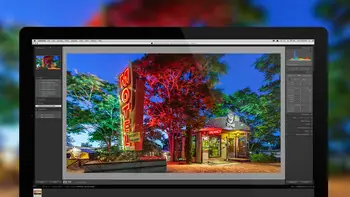
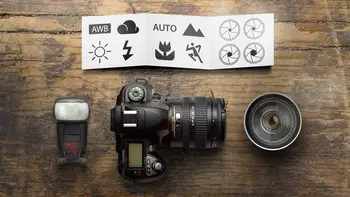
Curated paths to help you get there faster
Trending photography topics
Photography classes FAQs
How Can I Learn Photography Online?
Whether you’re a beginner or an advanced photographer who wants to master certain skills further or branch out into a new photography topic, you can find hundreds of classes suitable for your level and interests. What’s more, our classes are created or taught by industry experts and are easily adaptable to your skill level and requirements. Whether you want to learn to shoot portraits or outdoors photos, family or lifestyle photos, or just want to become a pro at Adobe Lightroom or Photoshop, the right training course at the right price is waiting for you, and it’ll easily fit into your schedule. Once you start, we’ll also recommend additional learning to tailor to your needs, and you’ll be able to benefit from the community and become even more knowledgeable in your chosen photography subject.
How Difficult Is It To Learn Photography?
Photography is not hard to learn, gone are the days when you can only take pictures if you have a lot of equipment, a dark room, and years of experience. Everyone can become a photographer now, even with their own phone camera and nothing else. This doesn’t mean that anyone can take great or even good photos. Mastering a skill such as photography still requires an investment of time and dedication. However, courses, advice, knowledge articles, and a large professional community are readily available online to help you on this journey. It’s also important to find your own photography passion; whether you prefer taking wedding, family, or nature photos or have a keener interest in filmmaking and video editing, once you’ve found your passion, invest the time and effort in it, and you’ll become a pro one day.
What Career Paths Can You Take With Photography Classes?
Two of the most in-demand types of photography are portrait and family photography as well as wedding photography. While the latter tends to be somehow seasonal, you can rely on a steady source of income if you choose to become a portrait photographer. Other great options are commercial photography (including food, architecture, design, or other products and services), fashion photography, travel, outdoor wildlife and nature, stock photography, and photojournalism. Social media also offers many options to focus on, such as becoming an influencer with your photography skills or offering your skills to others.
What Skills Will I Learn In Photography Classes?
A beginner photography class will teach you the basics of photography, familiarize you with the equipment you need and how to use it, and show you how to view the world around you with a photographer's eye by formulating a goal and planning and executing your project. If you are already experienced and want to perfect your technical skills or try a new area such as wedding, portrait, or wildlife photography, your course will aim at teaching you the technical, creative, artistic, and purely organizational skills you need to become a master in your desired field. Choosing the right class, reading carefully through the description, and even contacting the tutor or community beforehand might save you time and help you better prepare before the class starts.
Which Classes Are Recommended For Beginner Photographers?
There are over 116 classes dedicated to the Fundamentals of Photography that will help you start as a new professional in this field. Even if you have some prior experience, whether gained formally or on your own, you’ll benefit hugely from the structured approach, the well-presented information, and the experience and knowledge of our tutors. Apart from classes teaching you the photography basics, you can also enroll in classes about lighting, Adobe suite, the fundamentals of filmmaking, how to think like a photographer, and many other topics that will ensure you start in the right direction in your career path as a photographer and discover what you’re passionate about.
What Gear Do I Need For A Photography Class?
You can get started with as little as the camera on your phone, but each class will include specific requirements in the description. Generally, it’s helpful to have a good digital camera with manual mode, a changeable lens and a zoom lens kit, a flash with manual mode, and a through the lens (TTL) kit. If you’re already a photographer, you’ll probably have all this equipment and might need to get a specific lens or external flash, tripods, lighting equipment, or other gear depending on the course you’re taking. Camera and other photography gear can get really expensive, so think about borrowing, buying second hand, or just getting the minimum required before you’re sure that you’ll continue with this specific field of photography in the future.
Free & upcoming classes
Recent blog articles
Explore more classes & get inspired
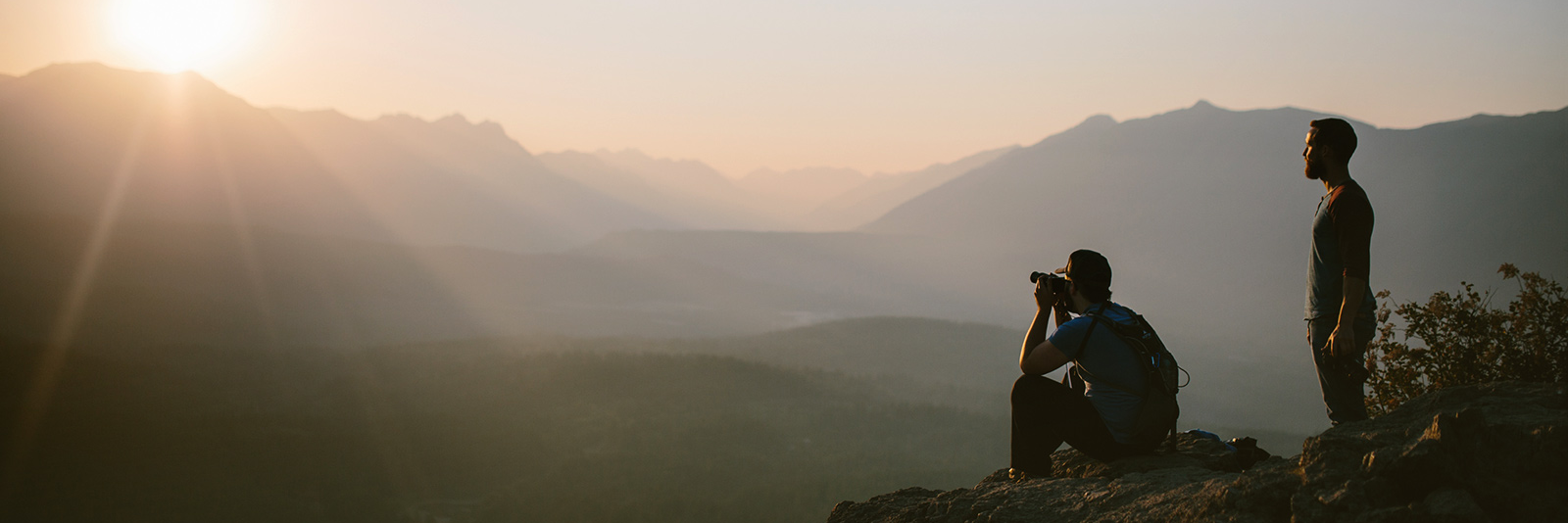
PHOTO BY PHOTOGRAPHER, SUNSET ENTHUSIAST & CREATIVELIVE INSTRUCTOR, ART WOLFE