If you’ve been around the Photoshop world for even a short time, it’s likely that you’ve heard the term
non-destructive as in
non-destructive workflow or working
non-destructively. In principle, that means to do things in such a way that the result is not fixed or set (a.k.a. destructive) but can be edited in various ways. This article came about based on the number of people who asked “but why bother working non-destructively — what if I never change my mind?”
The most common reason for working non-destructively you’ll hear is that it’s more flexible — that you can change your mind easily and continue working. That is true, and it is one very important advantage of this workflow. But, before you think this is only about changing your mind, you can also use these techniques to be more accurate, more creative, and more efficient by reusing the same effect, looks, or templates.
Let’s take a quick glance at the main advantages of a non-destructive workflow:
Accuracy
Whether you’re using adjustment layers or Camera Raw Smart Objects, you can take advantage to their editability by deliberately overdoing an effect so it’s easier to create a mask, and then pull back the effect when you’re finished masking. Great for compositing, selectively adjusting an image, and more.
Creativity
Don’t paint yourself into a corner and feel like you can’t try things and see what happens. Use Smart Filters and lots of layers to let you go down a path of experimentation, knowing that you can get back to square one without any worries.
Efficiency
Almost all non-destructive techniques can easily be reused and repurposed: drag and drop a smart filter or adjustment layer and tweak the results. It’s faster than starting from scratch every time.
Flexibility
Yes, having the option to change your mind is important, but again, not the only reason for working this way.
Bonus: Reverse Engineering
When working in Photoshop, have you ever achieved some end result that you love — in large part through experimentation and “playing” — and then, later on, you can’t figure out how you did it? If you had built the document using non-destructive methods – layers, adjustment layers, smart objects and smart filters – you should be able to “reverse engineer” and figure out how you achieved that result. This assumes that your document includes these editable methods and that you saved a version in .psd format.
During most of
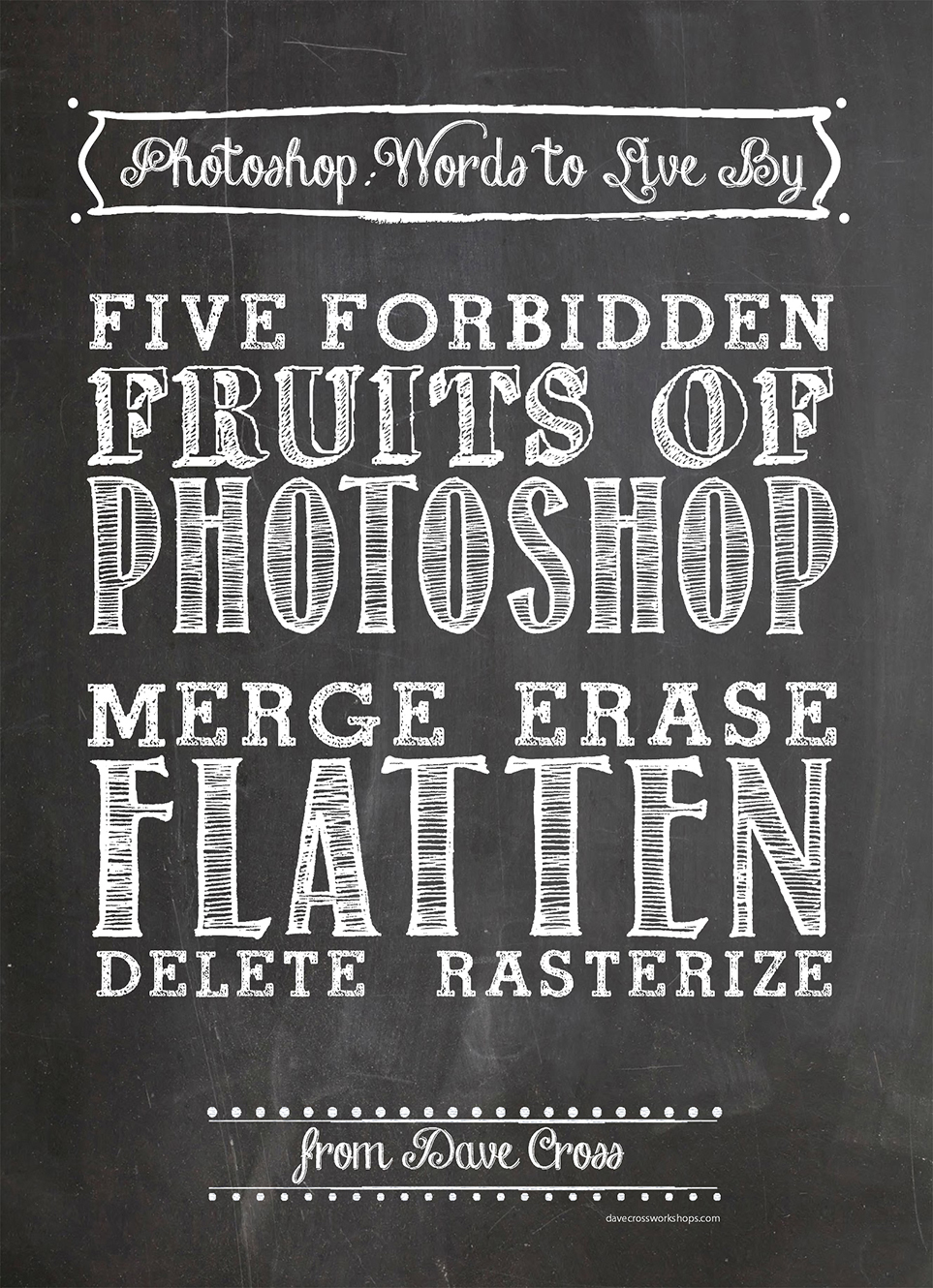
my creativeLIVE classes I’ve mentioned “the five forbidden fruits of Photoshop”. These are:
Merge
Erase
Flatten
Delete
Rasterize
In almost every situation, there is a non-destructive alternative to these very permanent – and destructive – methods.
Recently, I was discussing the pros and cons of working non-destructively with a group of
Photoshop vs Lightroom users . The only downside we could come up with is your file size gets bigger, which is not a huge issue for most people these days. Our conclusion was: "Why wouldn’t you use non-destructive methods, just in case?"
